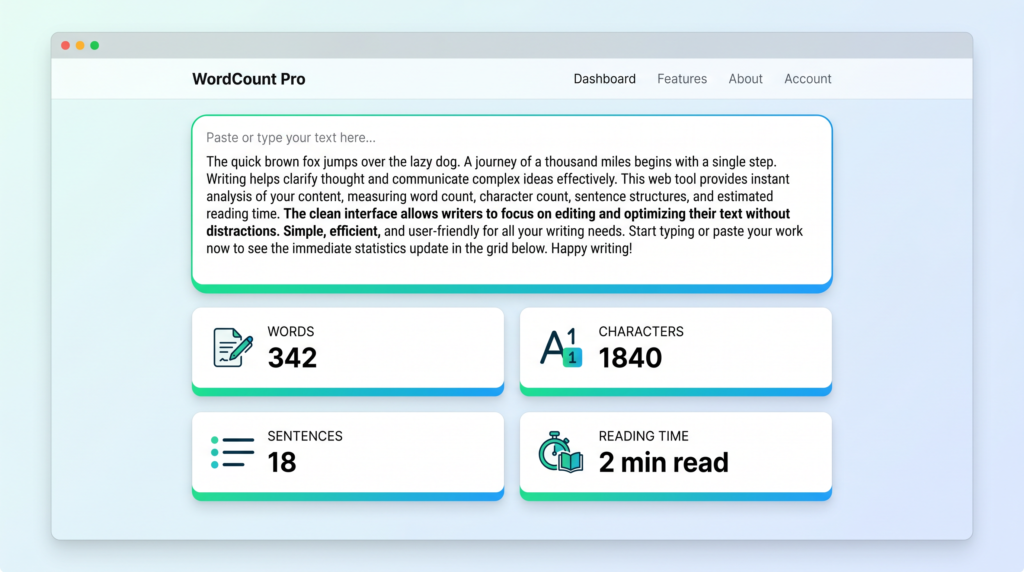
Word count is one of those metrics that looks deceptively simple — it’s just a number, after all. But for anyone writing content for the web, that number carries real weight. It influences how Google evaluates your page, how long a reader stays, and whether your copy fits the platform you’re publishing on. Getting a handle on word and character counts doesn’t require specialized software. Toolivoo’s free Word Counter gives you six key text statistics instantly, right in your browser, with no account needed.
Does Word Count Actually Affect SEO?
The honest answer is: not directly, but practically yes. Google has stated publicly that there is no minimum word count requirement for ranking, and that a 100-word page can outrank a 2,000-word page if it better satisfies the user’s intent. Quality and relevance will always outweigh sheer volume.
That said, the data consistently tells a different story for competitive search terms. Backlinko’s research on content marketing and SEO has found that longer content tends to earn more backlinks and rank higher for competitive keywords. The reason isn’t the word count itself — it’s what tends to come with it: more thorough topic coverage, more chances to match long-tail queries, and stronger signals of topical authority.
The practical takeaway is this: write as much as the topic requires, and no more. Padding content with filler to hit an arbitrary word target will hurt readability and engagement. But if you’re writing about a complex, competitive topic, a short page is likely leaving rankings on the table.
Ideal Word Count by Content Type
Different content types have different sweet spots. Here’s a general guide based on industry benchmarks and ranking patterns:
- Blog posts: 1,500–2,500 words for competitive topics. This range gives you enough depth to cover a subject thoroughly, earn links, and satisfy varied search intents without becoming unwieldy.
- Landing pages: 500–1,000 words. Conversion-focused pages need to be persuasive and scannable. Too much copy can distract from the call to action.
- Product descriptions: 150–300 words. Enough to highlight key features, benefits, and differentiators. Unique descriptions also help avoid duplicate content issues when selling across multiple platforms.
- News articles: 300–600 words. News content prioritizes timeliness and clarity. Readers want the facts fast — elaborate analysis is better suited to a separate opinion or explainer piece.
- Ultimate guides: 3,000+ words. Comprehensive pillar content that covers a topic from every angle. These pages tend to attract the most links and drive long-term organic traffic when executed well.
These are guidelines, not rules. Always look at what’s already ranking for your target keyword and use that as your baseline — the search results page itself is your best signal for how much depth Google expects on any given query.
Character Limits on Social Media Platforms
Word count matters well beyond long-form content. Social media platforms impose strict character limits, and exceeding them either truncates your message or blocks posting altogether. Knowing these limits — and checking your copy against them before you publish — is basic content hygiene.
- Twitter / X: 280 characters per post
- LinkedIn post: 3,000 characters (posts beyond 210 characters are folded behind a “see more” link)
- Instagram caption: 2,200 characters (only the first 125 are shown before truncation in feed)
- Meta description (SEO): 150–160 characters — beyond this, Google truncates the snippet in search results
The free Word Counter tracks both word count and character count simultaneously, making it easy to draft copy for any of these platforms and verify you’re within limits before you copy-paste. Paste your draft, check the character count, and trim accordingly — no toggling between tools required.
Reading Time and Engagement
One of the most underappreciated content metrics is estimated reading time. Displaying reading time at the top of an article sets reader expectations, reduces premature exits, and has been shown to improve engagement. Medium famously pioneered this practice and reported that showing reading time led to meaningful increases in time-on-page.
The standard formula is straightforward: divide the total word count by 238 words per minute (a commonly used average adult reading speed for online content) and round to the nearest minute. A 1,500-word article takes approximately 6 minutes to read; a 2,500-word piece runs about 10–11 minutes.
Why does this matter for SEO? Dwell time — how long a visitor spends on your page before returning to the search results — is widely considered a user behavior signal that search engines monitor. A reader who knows an article is a “10-minute read” and stays for 10 minutes sends a much stronger quality signal than one who bounces after 30 seconds because the depth wasn’t what they expected.
Setting an accurate reading time expectation, particularly for longer guides and tutorials, is a low-effort change that can have a measurable impact on your engagement metrics.
How to Use a Word Counter Effectively
A word counter is only as useful as the workflow you build around it. Here’s how to get the most out of the free Word Counter on Toolivoo:
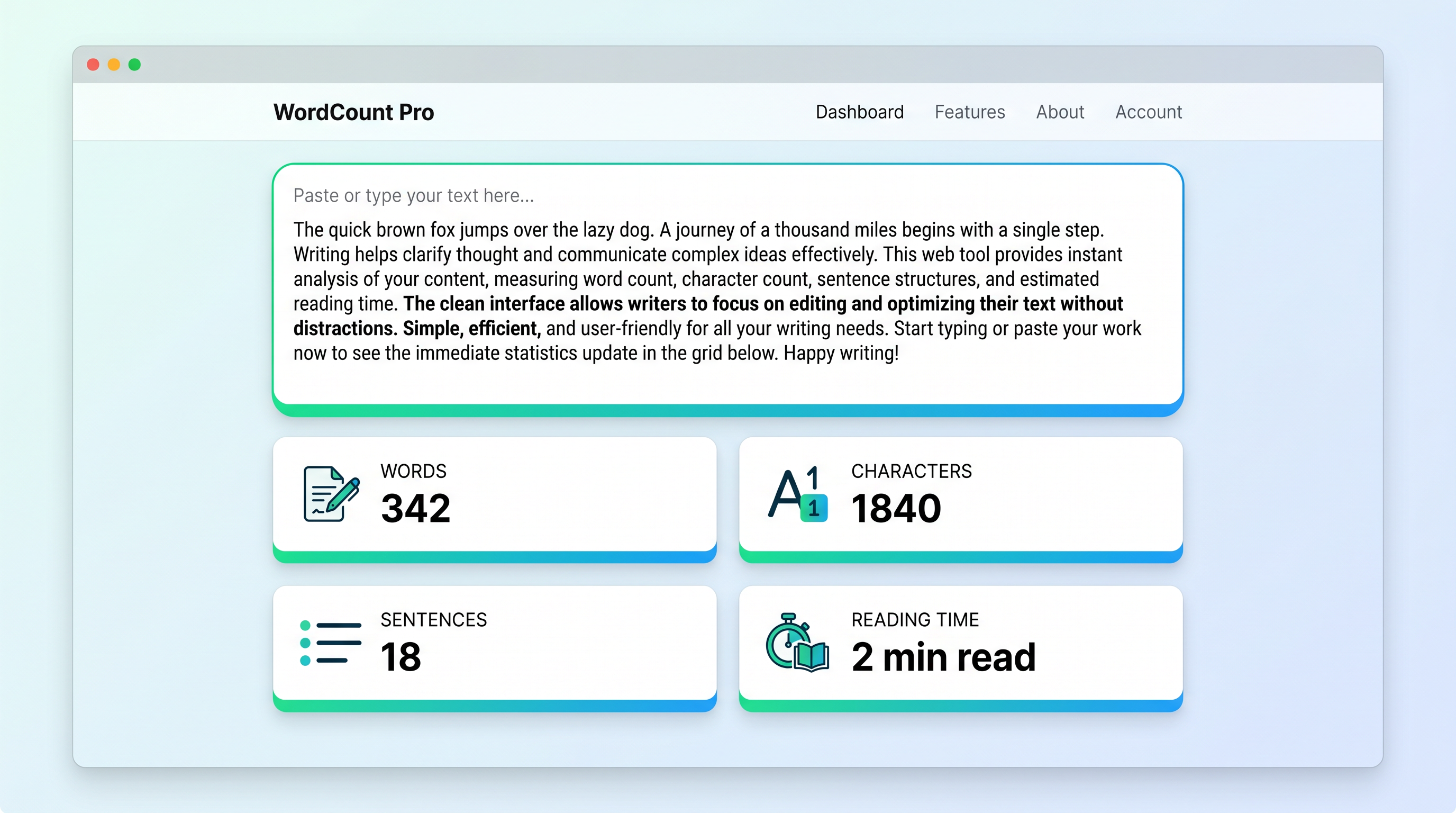
- Paste your full draft into the text area to get an immediate snapshot of all six statistics: word count, character count, characters without spaces, sentence count, paragraph count, and estimated reading time.
- Use character count for platform-specific copy. When writing meta descriptions, Twitter posts, or LinkedIn updates, the character count is your primary constraint — check it first.
- Track sentence and paragraph counts to assess readability. A high sentence count relative to paragraph count can signal overly dense paragraphs. Aim for 3–5 sentences per paragraph in web content.
- Use the reading time estimate when writing pillar content or tutorials. If your target is a “10-minute read” but your draft clocks in at 4 minutes, you likely need to go deeper on key sections.
- Benchmark against competitors. Paste your draft, note the word count, then do the same with the top-ranking pages for your target keyword. If they average 2,200 words and yours is 800, that’s a concrete gap to address.
Frequently Asked Questions
How many words is a good blog post?
For most competitive topics, 1,500–2,500 words is the sweet spot. This range is long enough to cover a subject with genuine depth, naturally incorporate related keywords, and attract backlinks — while remaining focused enough to hold a reader’s attention. For less competitive or highly specific topics, shorter posts can rank just as well. Always let the topic and the competition guide your target length, not an arbitrary number.
Does Google have a minimum word count?
No. Google has no official minimum word count for ranking. However, Google’s quality guidelines explicitly warn against “thin content” — pages that add little value, cover a topic superficially, or exist primarily to fill a site with pages. In practice, very short pages rarely rank well for competitive queries because they tend not to satisfy user intent as thoroughly as longer, more comprehensive alternatives. The threshold isn’t about words — it’s about whether the content genuinely answers the user’s question.
How is reading time calculated?
Reading time is calculated by dividing the total word count by an average reading speed of 238 words per minute, which is a widely cited benchmark for adult silent reading comprehension of online text. The result is rounded to the nearest whole minute. So a 950-word article is approximately a 4-minute read, and a 3,000-word guide is around 12–13 minutes. Some tools use slightly different averages (200–250 wpm), so small variations between word counters are normal.
Content length is a lever, not a magic number — but it’s a lever worth understanding and using deliberately. Whether you’re optimizing a blog post for competitive rankings, drafting a tight meta description, or making sure your LinkedIn post doesn’t get cut off, keeping an eye on word and character counts pays off in concrete ways. Head to Toolivoo’s free Word Counter to check your next piece of content before you hit publish.